






Fix & care  /  ADA accessibility

ADA website compliance: accessible sites, fixed in the code

Next Nova makes small business websites accessible to people with disabilities: we test your site against WCAG 2.2 AA with automated tools and by hand, fix the barriers in your theme and content, and re-test. You get a fixed quote after a free check, and a plain-English report of what changed.

1,500+
projects shipped
1,100+
happy clients
2017
year founded

Trusted by 1,100+ small businesses

CC ResidentialRootsConnected Healthcare MarketingMake Taxes FairZingBioOakley IDEvviva SciencesJDog ProductionsTadowCroneSpot On SprayJPR VendingDSR FencingHighLevel Remote SalesAmalfi Marble & GraniteResurge CitySahra ConstructionSosa BuildsSkeens, Inc.Morehouse

01  Sound familiar?

Is your website hard to use for people with disabilities?

These are the problems we find most on small business sites. Here’s what we do about each one.

02

“A free scanner says we have 60 errors.”

How we fix itWe separate real barriers from noise, fix them in order of impact and check what scanners can’t, like keyboard use and screen reader output.

03

“Customers can’t use our booking or contact form.”

How we fix itWe add proper labels, clear error messages and keyboard support, so every visitor can book or get in touch.

04

“We added an accessibility widget. Are we covered?”

How we fix itA widget doesn’t fix the code underneath. We fix the site itself, and remove the widget if it gets in the way.

02  What you get

What an ADA website fix includes

A fixed scope, agreed before we start. You get a written report of what we found and what we changed.

A WCAG 2.2 AA audit

Your key pages and templates checked with automated tools and by hand, against the current W3C standard.

Color contrast fixed

Text, links and buttons adjusted to at least 4.5:1 contrast for normal text, keeping your brand colors close.

Images and media described

Useful alt text for images, and captions or transcripts for video and audio.

Forms that work for everyone

Labels, required fields, clear error messages and keyboard access on contact and booking forms.

Keyboard and focus

Every menu, link and button reachable by keyboard, with a visible focus outline.

Headings and structure

Headings in order, landmarks and page language set, so screen reader users can find their way.

A plain-English report

What we found, what we fixed and what to watch when you add new content.

An accessibility statement

A short page that explains your commitment and how visitors can report a problem.

03  How we work

Audit, fix, then keep it that way

Running a free scanner is the easy part. A real fix has three steps.

Audit

Every barrier, not just what a scanner sees

Automated tools catch only part of the problems. We run them on every template, then test by hand with a keyboard and a screen reader, the way many disabled visitors actually use your site.

Automated scans on every template

Keyboard and screen reader tests

Issues ranked by impact

Fix

The barriers, fixed in the site itself

We fix the theme, templates and content directly: contrast, alt text, labels, focus, headings and more. No overlay: the fixes are part of your site.

Fixes made in your theme and content

Brand colors adjusted, not replaced

Re-tested after the fixes

Keep

Kept accessible as your site changes

New pages, images and plugins can bring barriers back. We show your team how to add alt text, headings and links the right way, and a care plan keeps the site updated and looked after.

Care plans from $79 a month

A short guide for your team

Accessibility statement published

04  Price

A fixed price, agreed before we start

We check your site first, then quote. A re-test and a written report come with every project.

Accessibility audit and fixes Scope agreed first

Starts with a

Free check

The price depends on how many pages and templates your site has, how many barriers we find and the platform it runs on. You get a fixed quote after a free 15-minute call.

Timeline
Set in your quote
Re-test
Included
Afterwards
Care plans from $79/mo

What’s always included

A free 15-minute check

A full backup before any change

Automated and manual testing

Fixes in the code, not a widget

A re-test after the fixes

A written report

What changes the price

Number of pages and templates

How many barriers we find

Forms, booking and checkout flows

Video captions and PDF documents

Ongoing care afterwards

How payment works: a fixed quote after the free check, 50% to start and 50% when the fixes are done. Card or bank transfer.

05  How it works

From first check to an accessible site, step by step

You’ll know what we found, what it costs and when it’s done before we start.

Step 1

Send us your site

A scan report, a letter or a customer complaint: a screenshot helps.

Step 2

Free check and a fixed quote

We look at key pages and give you a price and a timeline.

Step 3

Audit and fix

A full backup, then the audit and the fixes, page by page.

Step 4

Re-tested, with a report

We re-test, publish your accessibility statement and send the report.

Got a legal letter? This page is general information, not legal advice. If you’ve received a demand letter or a lawsuit, speak to an attorney first. We can work alongside them on the technical fixes.

06  Selected work

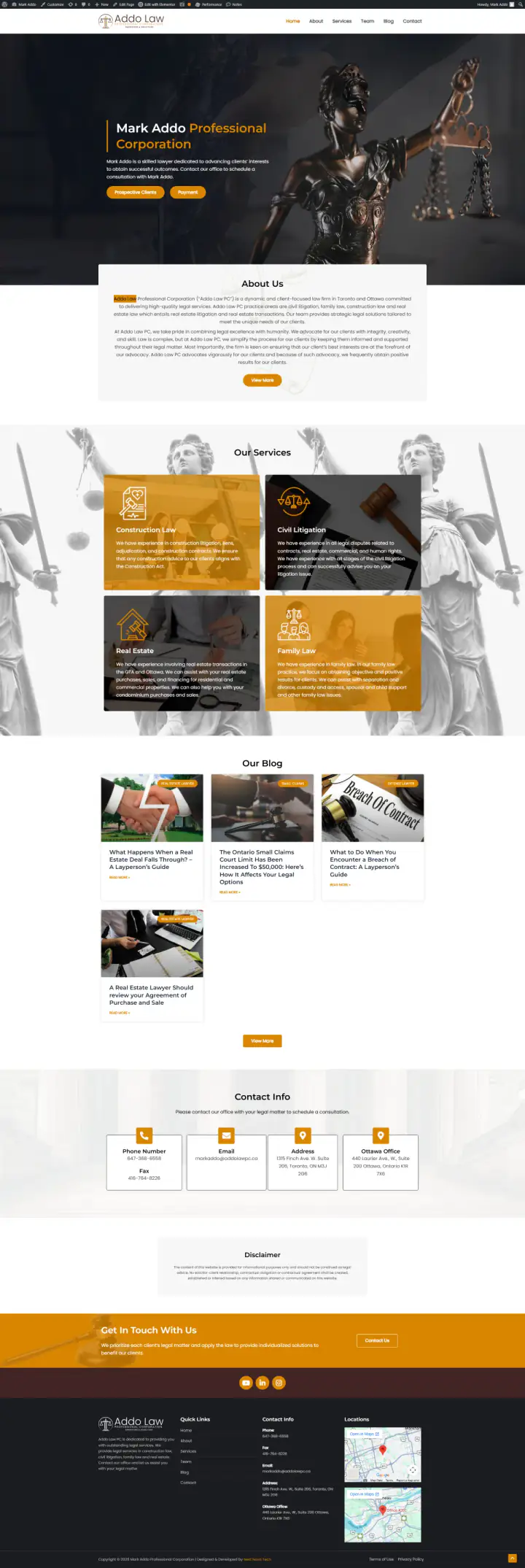
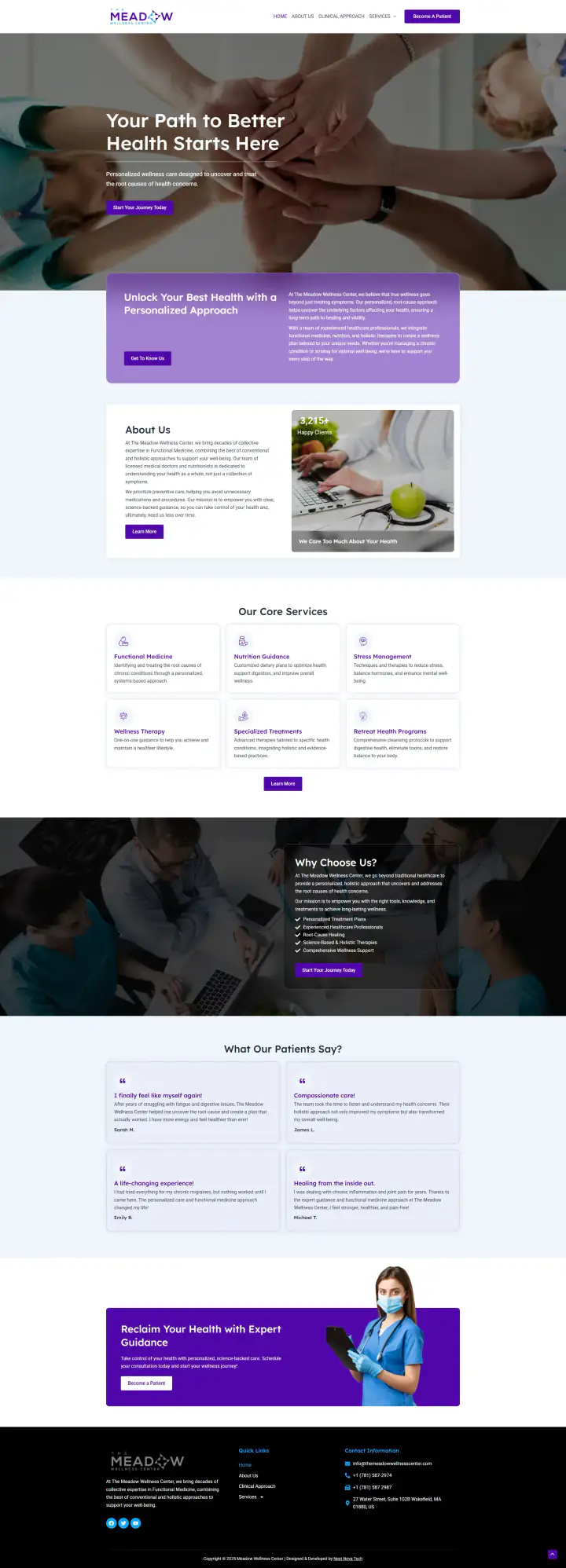
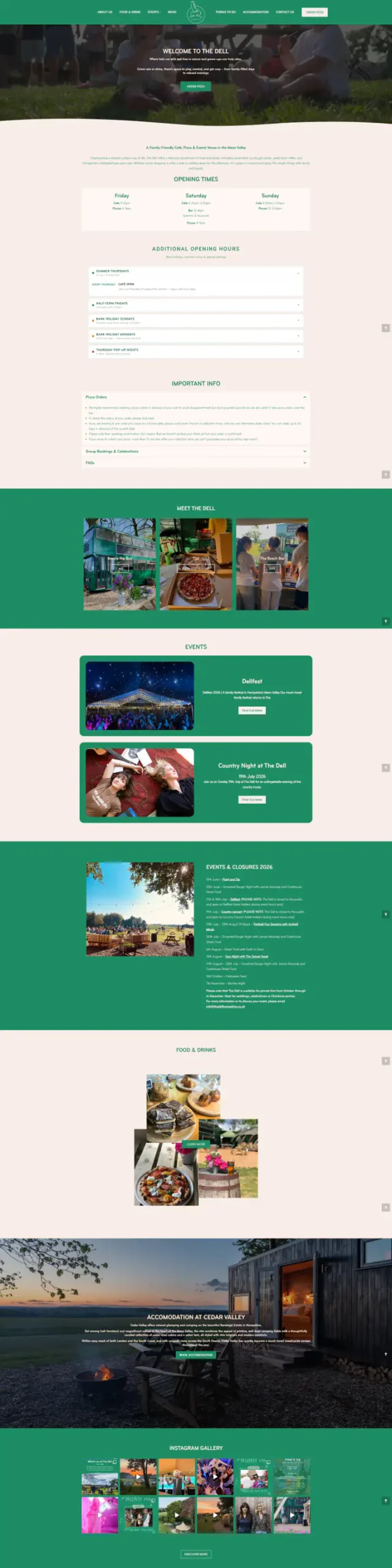
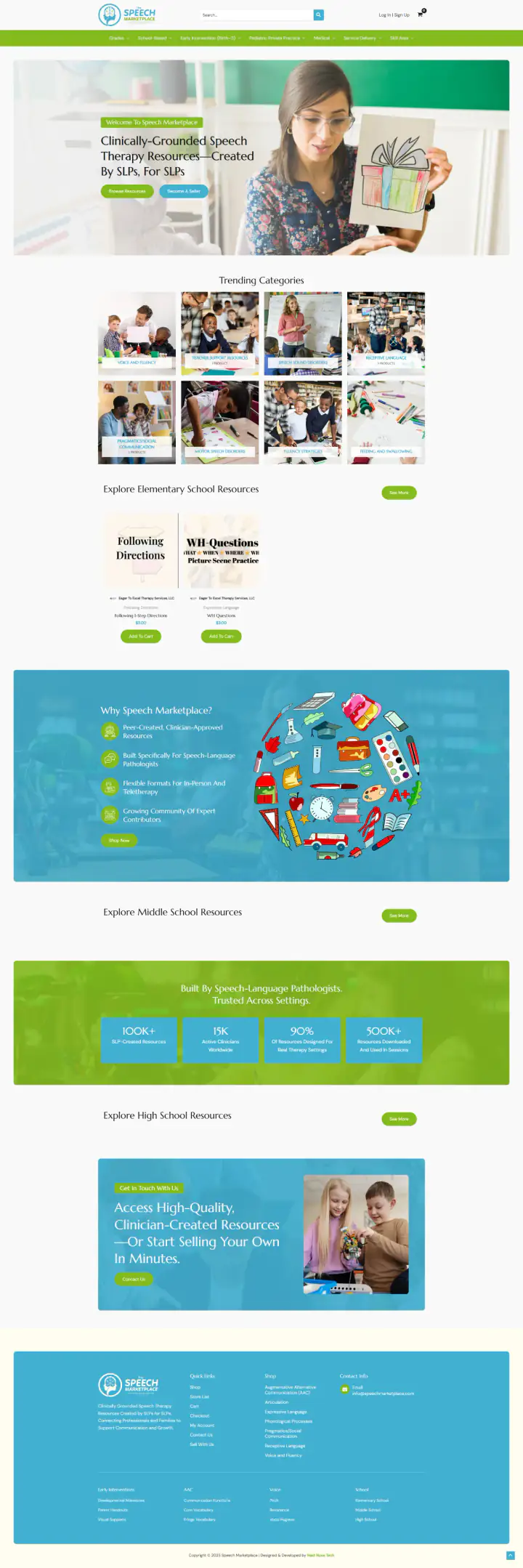
Sites from our portfolio

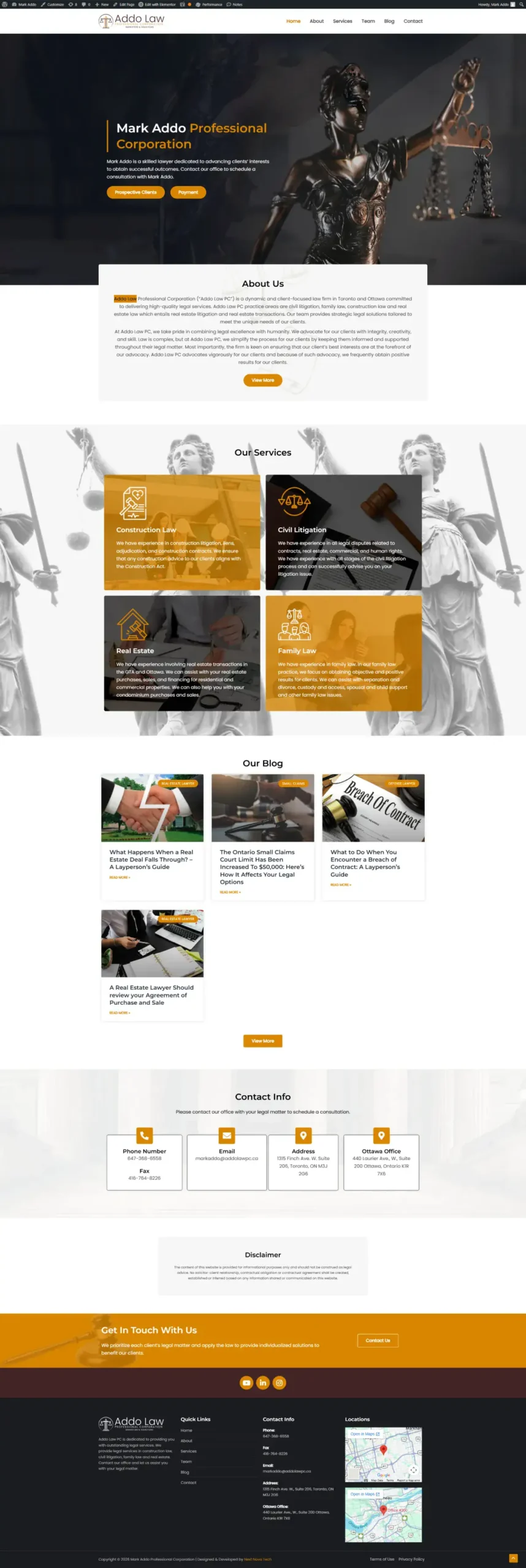
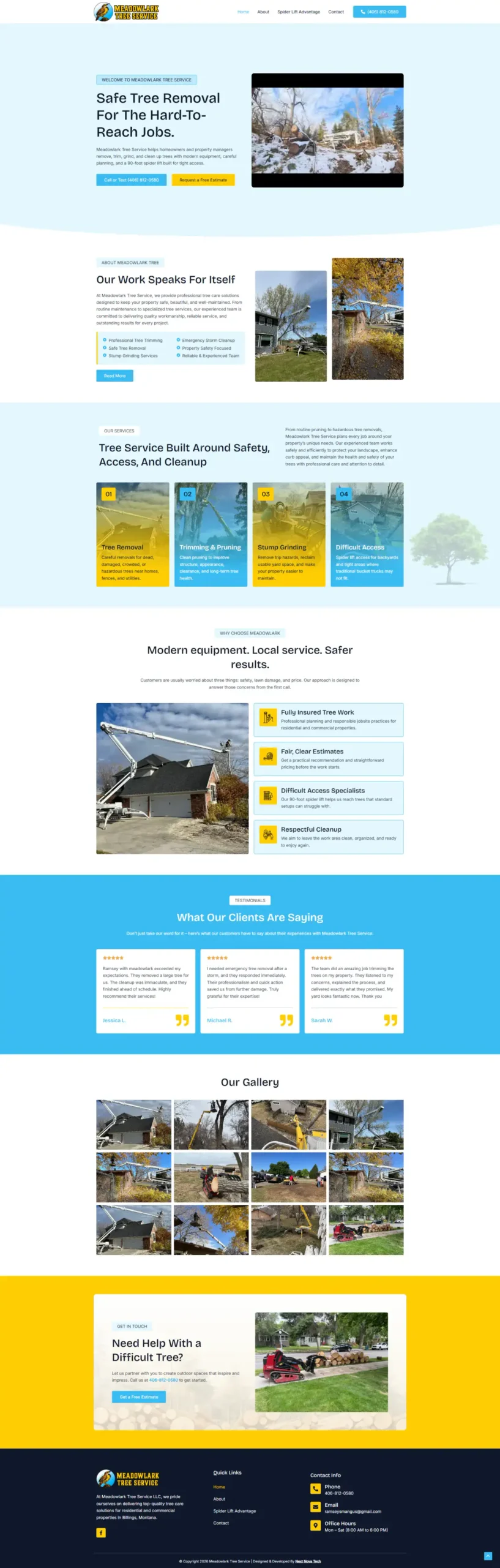
Real sites we’ve built. On a free 15-minute call, we’ll take a first look at your site’s accessibility. Hover a screenshot to scroll the whole page.

Ibrahim is always the best to work with. He does the job you request and I hardly ever have any revisions.
santillavictoriFiverr review · United States

Talk to a past client before you decide

Tell us your industry on the call. We’ll introduce you to someone we’ve built for.

07  Compare

Next Nova, an overlay widget or a free scanner?

An honest look at the three usual ways small businesses deal with accessibility.

Next Nova compared with an accessibility overlay widget and a free automated scanner
QuestionNext NovaAn overlay widgetA free scanner
PriceFixed quote after a free checkMonthly or yearly subscriptionFree
Fixes the codeYes, in your theme and contentNo, it adds a layer on topNo, it lists problems
Tests by handKeyboard and screen readerNoNo
WCAG 2.2 AA checksAutomated and manualAutomated onlyAutomated only
ReportPlain-English, what and whyA dashboard scoreA list of errors
AfterwardsRe-test, optional care planOngoing subscriptionRun it again yourself

Where we’re not the best fit

We’re web designers, not lawyers: if you’ve received a demand letter or lawsuit, talk to an attorney first. Free scanners are worth running, and we use them too; see our guide to free accessibility checkers. And if you need a formal conformance report (VPAT) for a large organization or a complex web app, a specialist accessibility firm is the better choice.

08  Tools

The tools we test with

Free public tools, plus manual testing by a person. Names show tools we use, not partnerships.

WordPress
WooCommerce
Search Console
Page checker
Automated rules
Chrome audit
Accessibility Insights
Screen reader
Screen reader
Keyboard test
Contrast checker
Elementor

Logos and names show tools and platforms we work with. They don’t imply a partnership or endorsement.

09  Is it right for you?

Who this is for, and who it isn’t

Here’s how to tell if an accessibility fix is the right next step.

A good fit if you…

Run a small business website on WordPress, Wix, Squarespace or Shopify.

Have a scan full of errors and don’t know which ones matter.

Are planning a redesign and want it built accessible from the start.

Want it kept accessible as you add pages and posts.

Probably not a fit if you…

Have received a lawsuit or demand letter. Talk to an attorney first; we can help with the fixes after.

Need a formal VPAT or certification. A specialist accessibility firm is the better fit.

Want a one-line widget fix. No widget makes a site accessible on its own.

Have an old site that needs rebuilding anyway. A redesign is the better fit.

10  Questions

Straight answers

Still unsure about something? Message us. A real person replies.

Ask on WhatsApp
What does ADA compliant mean for a website?

The ADA requires businesses open to the public to be accessible to people with disabilities, and the US Department of Justice says this covers what they offer on the web. In practice, most businesses use WCAG 2.1 or 2.2 Level AA as the technical standard. This is general information, not legal advice.

Is there a rule that says which standard my website must meet?

For private businesses, the DOJ has not set a technical standard by regulation; its 2022 web guidance points to WCAG and the Section 508 Standards as helpful. State and local governments must meet WCAG 2.1 AA under a 2024 DOJ rule, with deadlines now in 2027 and 2028.

How much does ADA website compliance cost?

It depends on how many pages and templates your site has and how many barriers we find. You get a fixed quote after a free 15-minute check, with a re-test and a written report included.

Will an accessibility widget make my site compliant?

A widget does not fix the code underneath on its own. In 2025 the FTC ordered one widget maker to pay $1 million over claims that its tool could make any website WCAG compliant. We fix the site itself.

Can you make a Wix, Squarespace or Shopify site accessible?

Yes, in most cases. We fix what the platform lets us change: colors, text, images, headings, forms and content. Where a platform limits a fix, we say so in the report.

How do I know if my website is accessible?

Run a free checker such as WAVE or Lighthouse for a first look, then try your site with only a keyboard. Automated tools find only part of the problems, so a manual review is the reliable answer. We give you a free first check on a 15-minute call.